Start cost $0 · First income ~2–4 months · ~$0–$100/mo
Path
Contents
🧭 At a glance: is this for you?
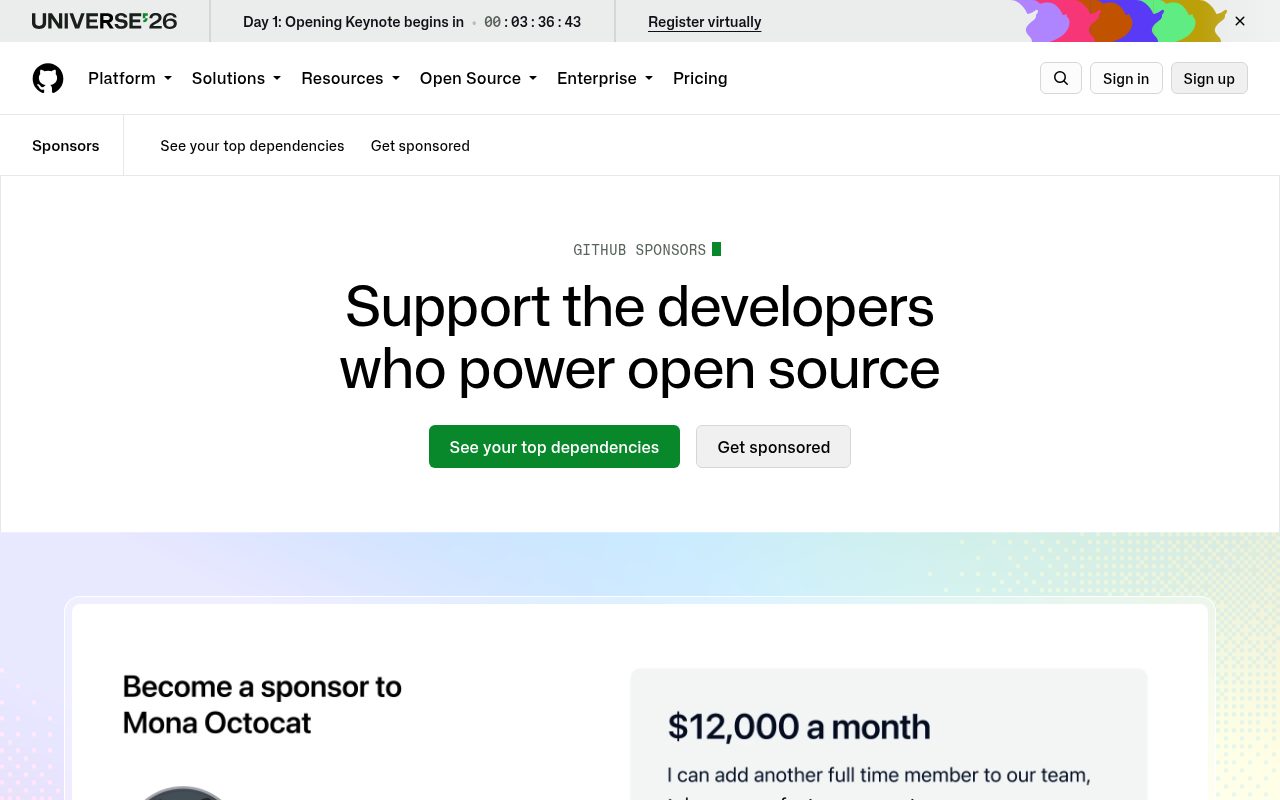
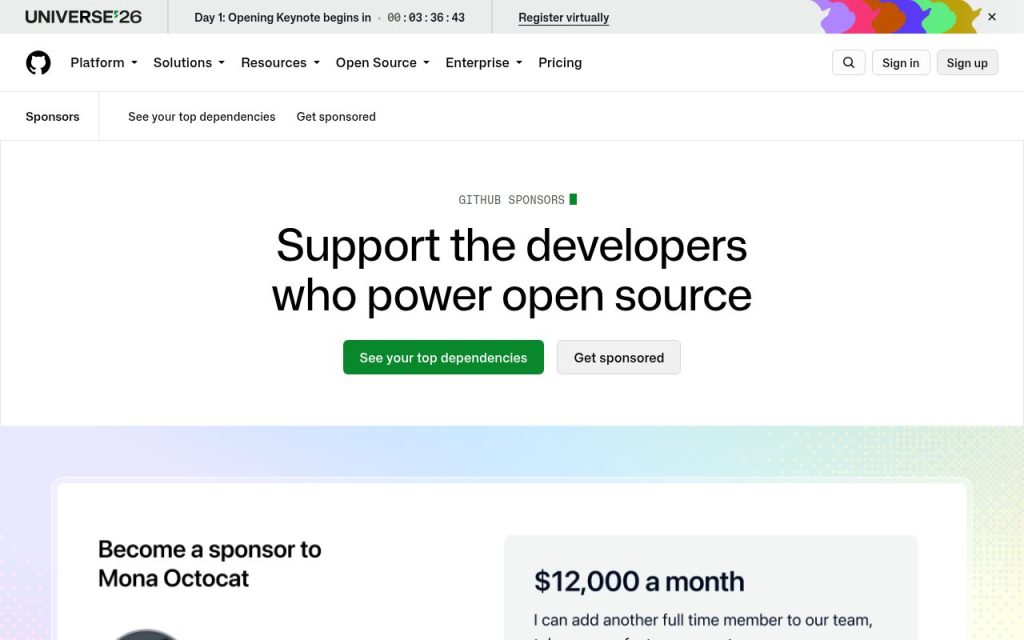
GitHub Sponsors lets people and companies fund your open-source work with monthly or one-time payments, directly on GitHub. Sponsorships from personal accounts carry no GitHub fee, and code is not the only thing that counts: documentation, issue triage, design and mentoring are also open-source contributions. Sponsors usually come from people who already use your work, so this is a way to get paid for useful projects, not a shortcut. This guide covers eligibility, setup, tiers, the sponsor button, payouts and taxes.
- Best for: People who maintain or contribute to open-source projects (code, docs, triage, design, mentoring) that already have some users
- Startup cost: $0 (free to join; 0% GitHub fee on sponsorships from personal accounts)
- Time to first income: 2–4 months: profile review, then the first payout 60 days after your first sponsorship starts
- Difficulty: Medium: setup is easy; earning sponsors depends on a project people use and regular updates
👍 Pros
- Monthly sponsorships arrive automatically once set up
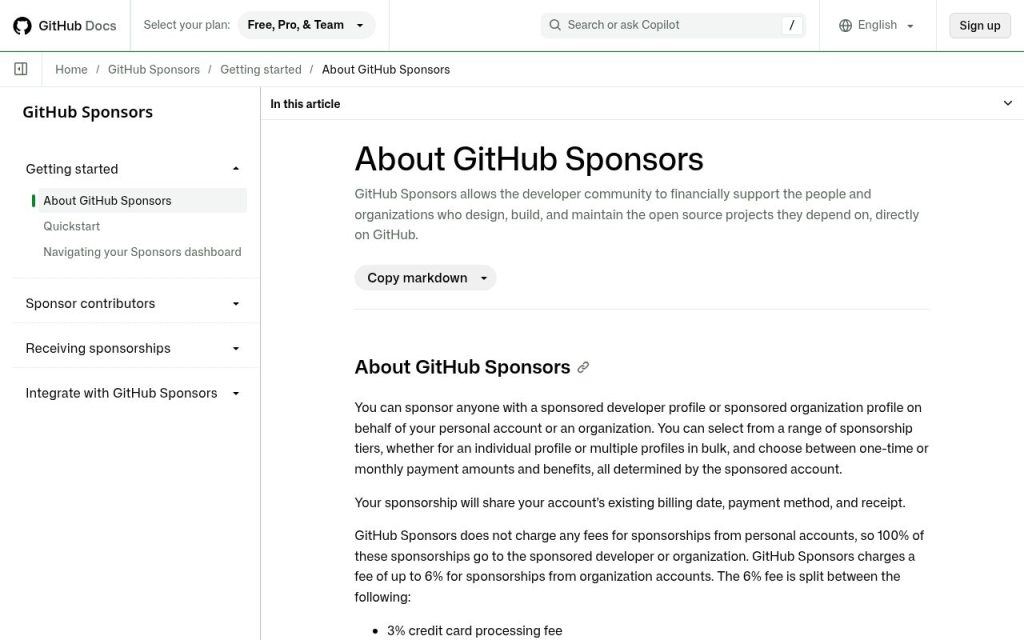
- 0% fee on personal-account sponsorships (up to 6% for organization accounts)
- Fits naturally with open-source work you already do
- Non-code contributions also qualify
👎 Cons and cautions
- Projects without users rarely get sponsors
- Income is irregular and many profiles earn little
- Identity details in Stripe are hard to change later
- Rewards you promise must be delivered every month
📘 What the full guide below covers: how Sponsors works, eligibility by region, a 6-step setup (README, profile, 2FA, Stripe Connect, tiers, FUNDING.yml), payout schedule, tier examples and math, tax notes, profile and tier templates, a first-week plan and mistakes to avoid.
💰 Realistic income range (USD estimates)
- Small or new projects: often $0–$100 per month at first
- Projects many people depend on: from a few hundred to a few thousand dollars per month is possible, but not typical
- Tier prices you set: up to $12,000 per month per tier (GitHub limit); actual income = number of sponsors × tier
Estimates only, not a guarantee. Rough figures based on publicly listed amounts; results vary by skill, time invested, country and the rules of each platform or event.
🪜 Basic steps (summary)
- Pick one useful repository and improve its README, license and issue templates.
- Enable two-factor authentication and apply at github.com/sponsors.
- Write a profile that explains exactly how funds will be used.
- Connect Stripe (or choose a fiscal host at signup) and submit tax information.
- Create about three tiers, add .github/FUNDING.yml and keep shipping updates.
Prefer a printable overview? Our compares 30 ways to make money side by side.
📘 Full practical guide (October 2026)
🪜 Step-by-step
- Make a repository worth sponsoring. First lines of the README: what it solves, a one-line install command, and an example. Add LICENSE, CONTRIBUTING and issue templates. Quick, friendly replies to issues are the best promotion because sponsors usually come from users.
- Check eligibility. Anyone who contributes to open source and lives in a supported region can apply. Your residence and bank account region must match. Check the current supported-regions list in GitHub Docs before applying.
- Apply and enable 2FA. Apply at github.com/sponsors, describe what you build and how money will be used (maintenance time, hosting, docs). Two-factor authentication is required, and GitHub reviews profiles before they go public.
- Set up payouts and tax information. In the Sponsors dashboard, connect a Stripe Connect account (or pick a fiscal host, which can only be chosen at signup). Enter your name and date of birth exactly as on your ID because they are hard to change later. Submit the tax form the dashboard asks for (non-US individuals typically W-8BEN).
- Design simple tiers. You can have up to 10 monthly and 10 one-time tiers in USD. Published tier prices cannot be edited; you retire and recreate them, so start with about three. Reward ideas from GitHub’s examples: early access to releases, your name or logo in the README, a newsletter, or a sponsors-only private repository.
- Add the Sponsor button. Create .github/FUNDING.yml with your username; a Sponsor button appears on the repository. Mention sponsorship briefly in release notes and the README, with thanks to current sponsors.
- Understand the payout schedule. Per the GitHub Sponsors Additional Terms, the first payout comes 60 days after your first sponsorship starts. After that, payouts are processed monthly; Stripe Connect pays around the 22nd (varies by country), and ACH or wire payouts need a month-end balance of at least $100, otherwise the balance rolls over.
📖 Worked example
Example: a developer maintains a small command-line tool used by a few hundred people. He spends a weekend on the README and issue templates, applies for Sponsors, and sets three tiers: $3 thank-you, $10 name in README, $50 company logo. In the first three months he gets six $3 sponsors, two at $10 and one company at $50: about $88 per month. The first payout arrives 60 days after the first sponsorship began.
An illustrative scenario based on public rules and typical amounts; real results differ.
💵 Amounts and math
- Personal-account sponsor at $10/month → $10 to you (0% GitHub fee).
- Organization sponsor at $100/month → up to 6% in fees ($3 card + $3 service) → about $94.
- Example mix: 6 × $3 + 2 × $10 + 1 × $50 = $88 per month ≈ $1,056 per year.
- ACH/wire payouts need a balance of at least $100 at month-end; smaller balances roll over.
🧾 Taxes, forms and payouts
- Non-US individuals usually submit Form W-8BEN in the Sponsors dashboard; it confirms foreign status and is not a tax return.
- Sponsorship income is generally taxable where you live; how it is classified (business income or other income) depends on your country and situation.
- Keep monthly payout records from Stripe and GitHub for your tax return.
- If you promise rewards like logos or support, sponsorships can look more like sales, which may change tax treatment in some countries.
General information, not tax advice. Check your local tax authority or an adviser for your situation.
🔗 Current tools (links)
- GitHub Sponsors — apply and see sponsored developers
- About GitHub Sponsors — eligibility, fees and contribution types
- Setting up Sponsors for your account — 2FA, Stripe Connect and tax steps
- Managing sponsorship tiers — tier limits and editing rules
- Displaying a sponsor button — FUNDING.yml format
- Sponsors Additional Terms — payout timing and minimums
✍️ Copy-paste templates
Profile introduction
Hi, I am {name}. I maintain {project}, which helps {who} {do what}.
Your sponsorship pays for: {hours} hours a month of maintenance, {hosting/CI costs}, and better documentation.
This month I am working on: {roadmap item}.
Three starter tiers
$3/month — Thank you: name in the monthly thank-you post
$10/month — Supporter: name in the README sponsors section
$50/month — Company: small logo in the README + priority on bug reports (no guaranteed response time)
FUNDING.yml
# .github/FUNDING.yml
github: [your-github-username]
📅 First-week plan
- Day 1: Enable 2FA, pick your flagship repository, rewrite the README opening.
- Day 2: Add LICENSE, CONTRIBUTING and issue templates.
- Day 3: Apply at github.com/sponsors and draft the profile with how funds will be used.
- Day 4: Design three tiers you can deliver every month.
- Day 5: Enter Stripe identity and bank details carefully; submit the tax form.
- Day 6: Add FUNDING.yml and a sponsor line in release notes.
- Day 7: Answer open issues and publish next month’s roadmap.
🚫 Common mistakes and what to do instead
- Adding a Sponsor button to a repository nobody uses → grow users first with docs and quick replies.
- Not saying how funds are used → state hours, hosting and roadmap.
- Trying to change published tier prices → start with few tiers.
- Typos in Stripe identity details → copy exactly from your ID.
- Bank account in a different country from your residence → they must match.
- Promising unlimited support → offer rewards you can sustain.
📚 Related guides
- How to Make Money Selling WordPress & Shopify Themes/Plugins
- How to Make Money with Chrome Extension Development
- How to Make Money with Discord Bot Development
- How to Make Money with Membership Community
- How to Make Money with Newsletter Business
- Wise vs Payoneer vs PayPal: Best Way to Get Paid Internationally
- Taxes When You Make Money on the Side: The Basics Every Freelancer Should Know
Last updated: October 28, 2026.
Want to run GitHub Sponsors as a 30-day plan? The PDF guide (one-time .99) compares 30 methods with steps and income estimates. All steps above stay free.
See full guide →FAQ
Is How to Make Money with GitHub Sponsors: Setting Up Open-Source Sponsorship and Getting Paid (2026) a legit way to make money?
Yes, it is legal and used worldwide. GitHub Sponsors lets people and companies fund your open-source work with monthly or one-time payments, directly on GitHub. Sponsorships from personal accounts carry no GitHub fee, and code is not the only thing that counts: documentation, issue triage, design and mentoring are also open-source contributions. Sponsors usually come from people who already use your work, so this is a way to get paid for useful projects, not a shortcut. This guide covers eligibility, setup, tiers, the sponsor button, payouts and taxes. Results depend on your time, skills and consistency; never pay upfront fees to unknown "opportunities".
What are the main pros and cons of How to Make Money with GitHub Sponsors: Setting Up Open-Source Sponsorship and Getting Paid (2026)?
Pros: Best for: People who maintain or contribute to open-source projects (code, docs, triage, design, mentoring) that already have some users, Startup cost: $0 (free to join; 0% GitHub fee on sponsorships from personal accounts), Time to first income: 2–4 months: profile review, then the first payout 60 days after your first sponsorship starts, Difficulty: Medium: setup is easy; earning sponsors depends on a project people use and regular updates. Cons: Monthly sponsorships arrive automatically once set up, 0% fee on personal-account sponsorships (up to 6% for organization accounts), Fits naturally with open-source work you already do, Non-code contributions also qualify.
How do I start How to Make Money with GitHub Sponsors: Setting Up Open-Source Sponsorship and Getting Paid (2026) step by step?
The full step-by-step guide is free to read on this page.
🎁 Free: 7-day side-hustle starter checklist
Leave your email and get the free checklist now. No spam, unsubscribe anytime.
Popular guides
- Top 10 Ways to Make Money Starting This Week (Free Checklist)
- How to Make Money as a Student: Legit Ideas (2026)
- Passive Income Ideas: Realistic Options for 2026
- Make Money Online Without Investment: 20 Free Ways
- How to Make Money with AI: 50 Practical Ways (2026)
- How to Make Money From Home: 20 Legit Ways
- Make Money Online for Beginners: 15 Easy Ways to Start
- How to Make Money as a Mom: 16 Flexible Ideas (Work Around Nap Time)
- 16 Legit Ways to Make Money Fast (This Week)
- How to Make Money as a Teenager: 16 Safe Ideas
- 14 Remote Jobs With No Experience Needed
Next method: How to Make Money with Hackathon Prizes: Entering Devpost Online Hackathons and Claiming Your Prize (2026) →