Path
At a glance
Contents
Written on 2026-10-26 after checking the official Adobe Stock and Shutterstock contributor help pages. Earnings vary widely, nothing is fixed, and nothing here promises income. Terms can change, so re-check the official help pages before signing up.
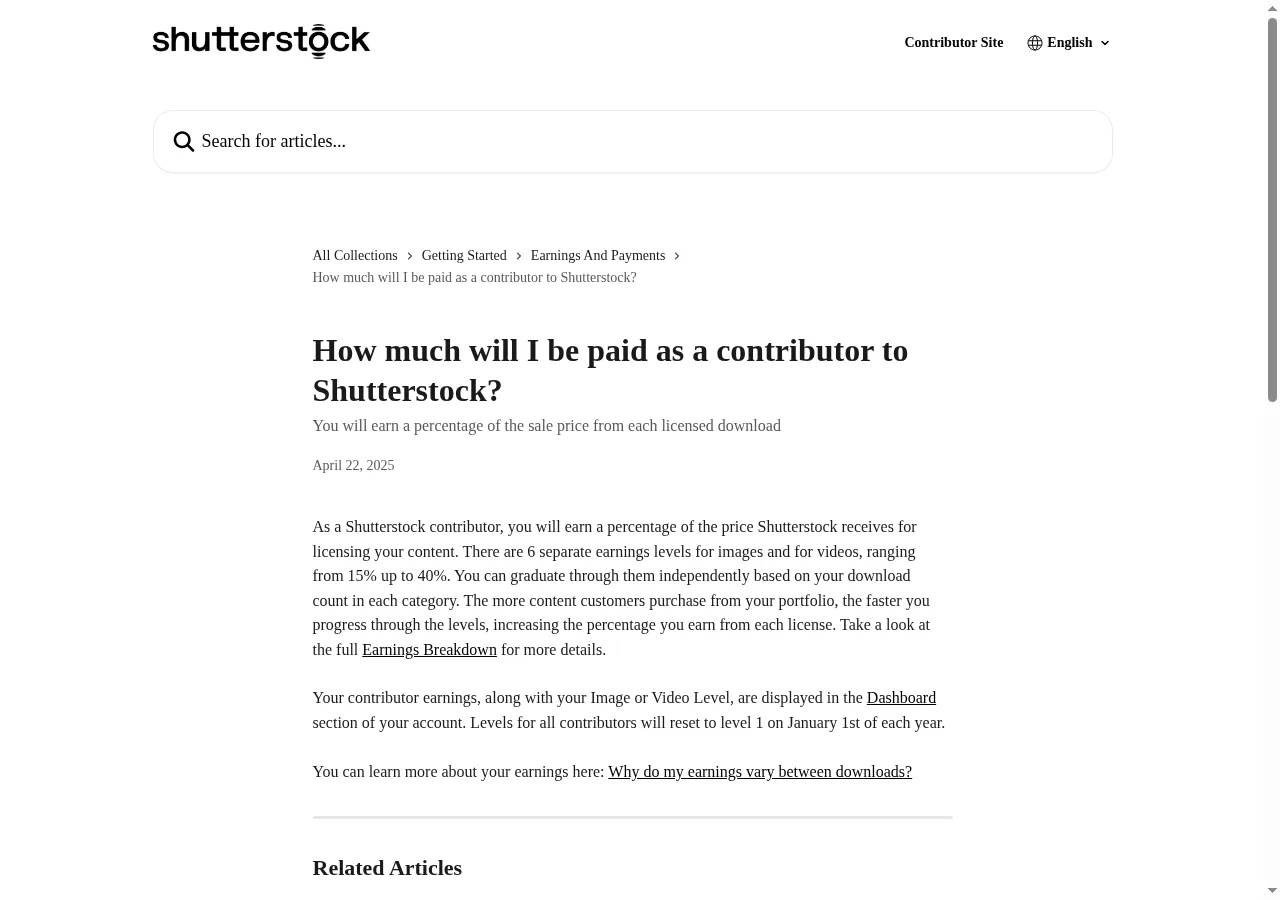
Earnings vary widely and nothing is fixed. Every number below comes from each company’s official help pages (checked 2026-10-26).
Who this is for
- People with lots of phone photos
- People looking for a slow, steady side project
- People comfortable reading English help pages
At a glance (official help pages)
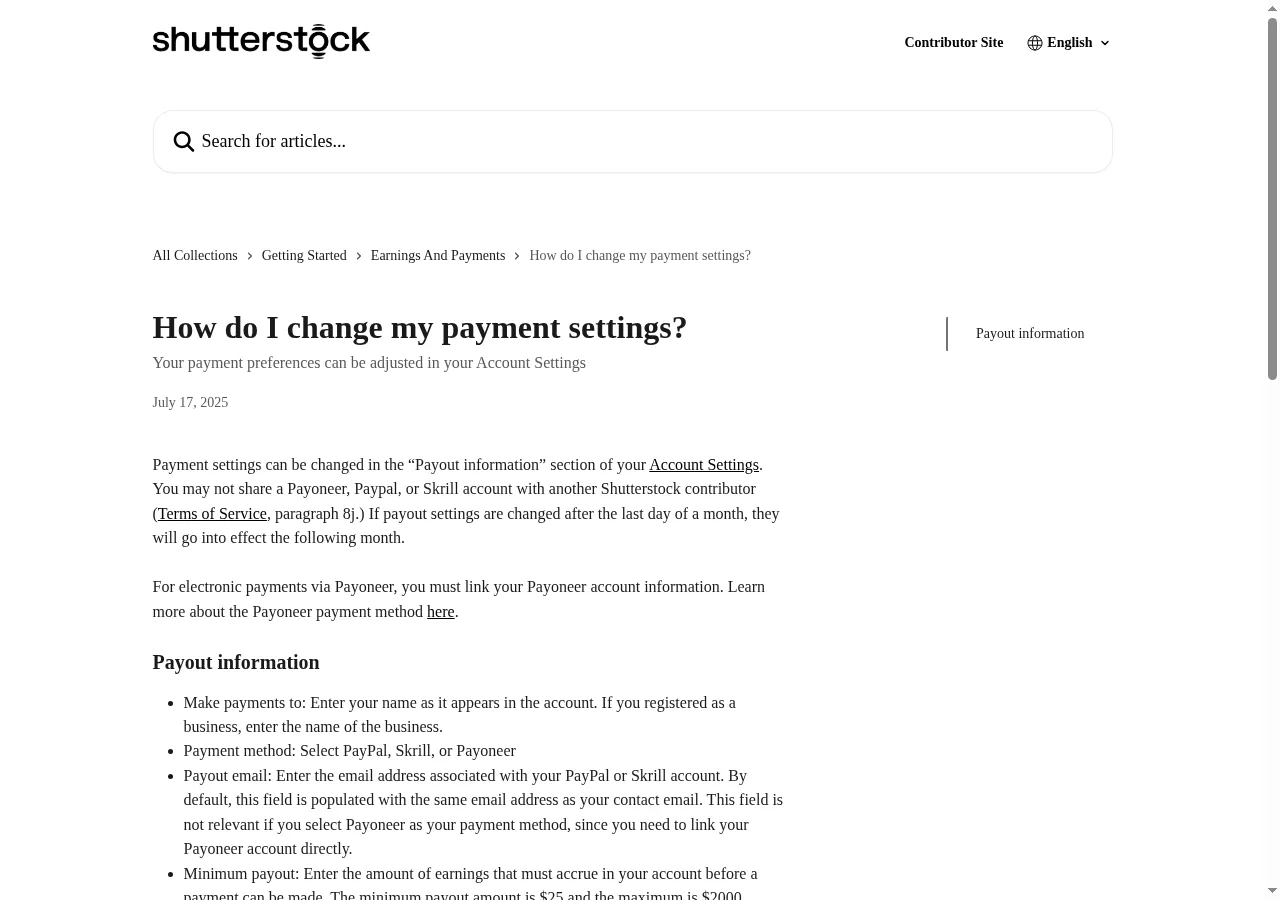
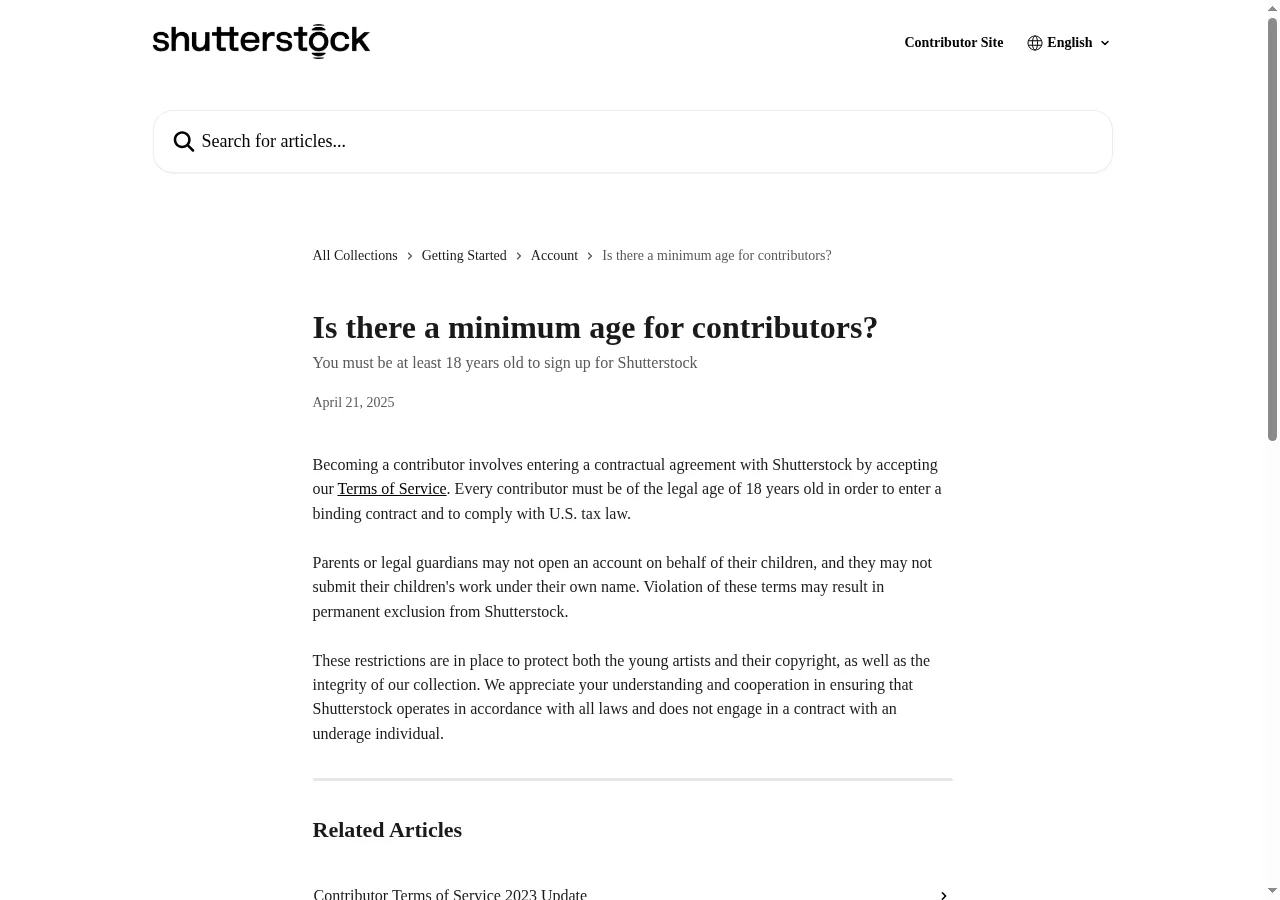
| Item | Adobe Stock | Shutterstock |
|---|---|---|
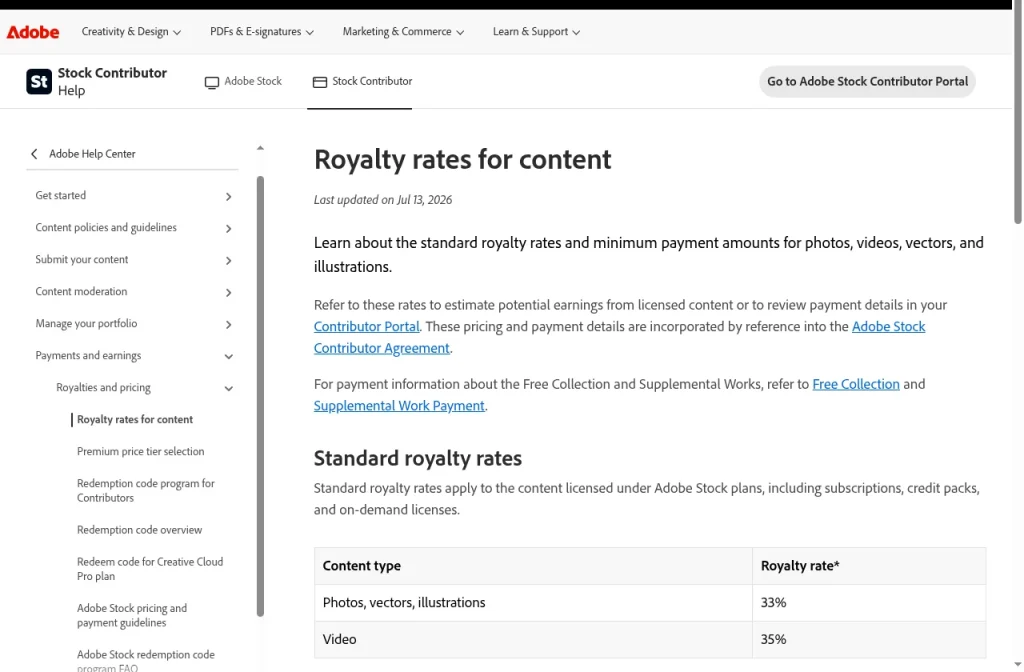
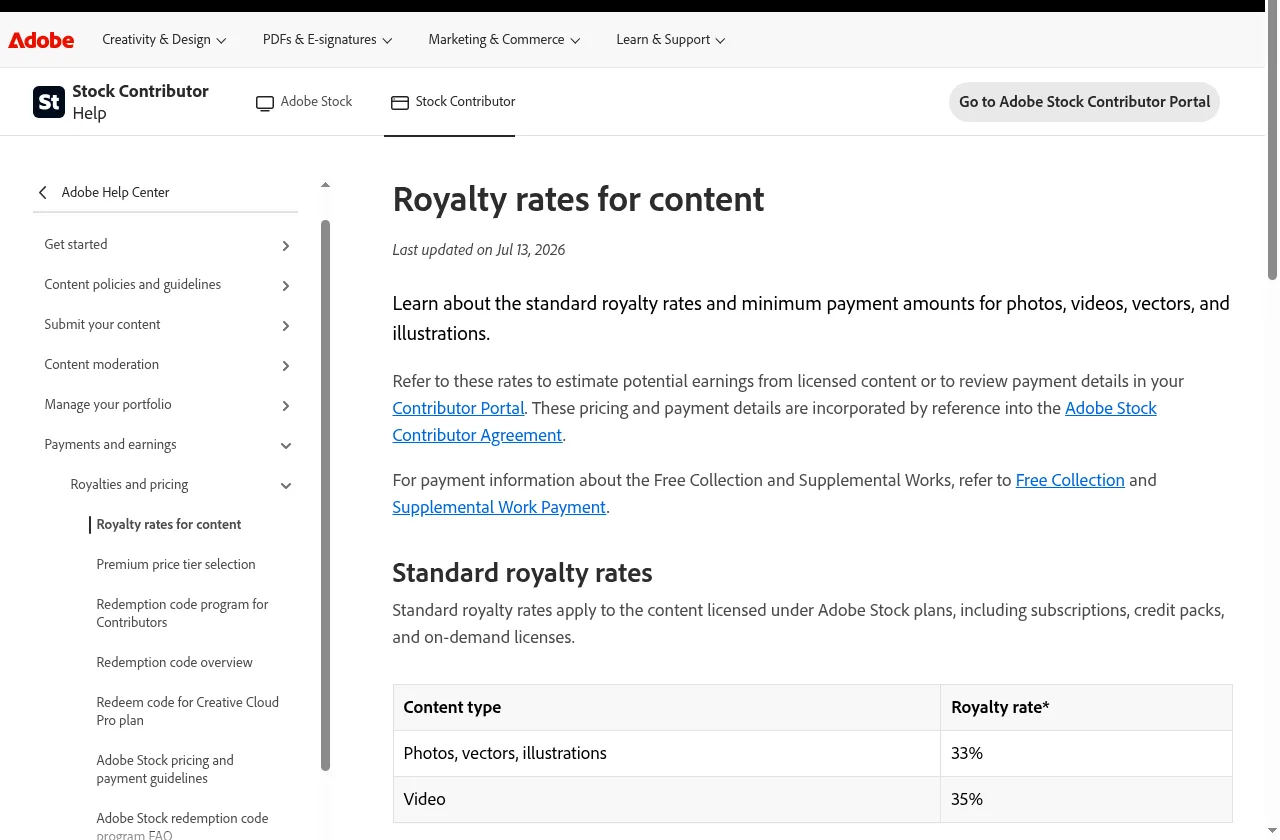
| Royalty | Photos/vectors/illustrations 33%, video 35% | 15%–40% (6 levels, reset to Level 1 every Jan 1) |
| Per-download minimum | Minimums apply under large subscriptions | $0.10 minimum per download |
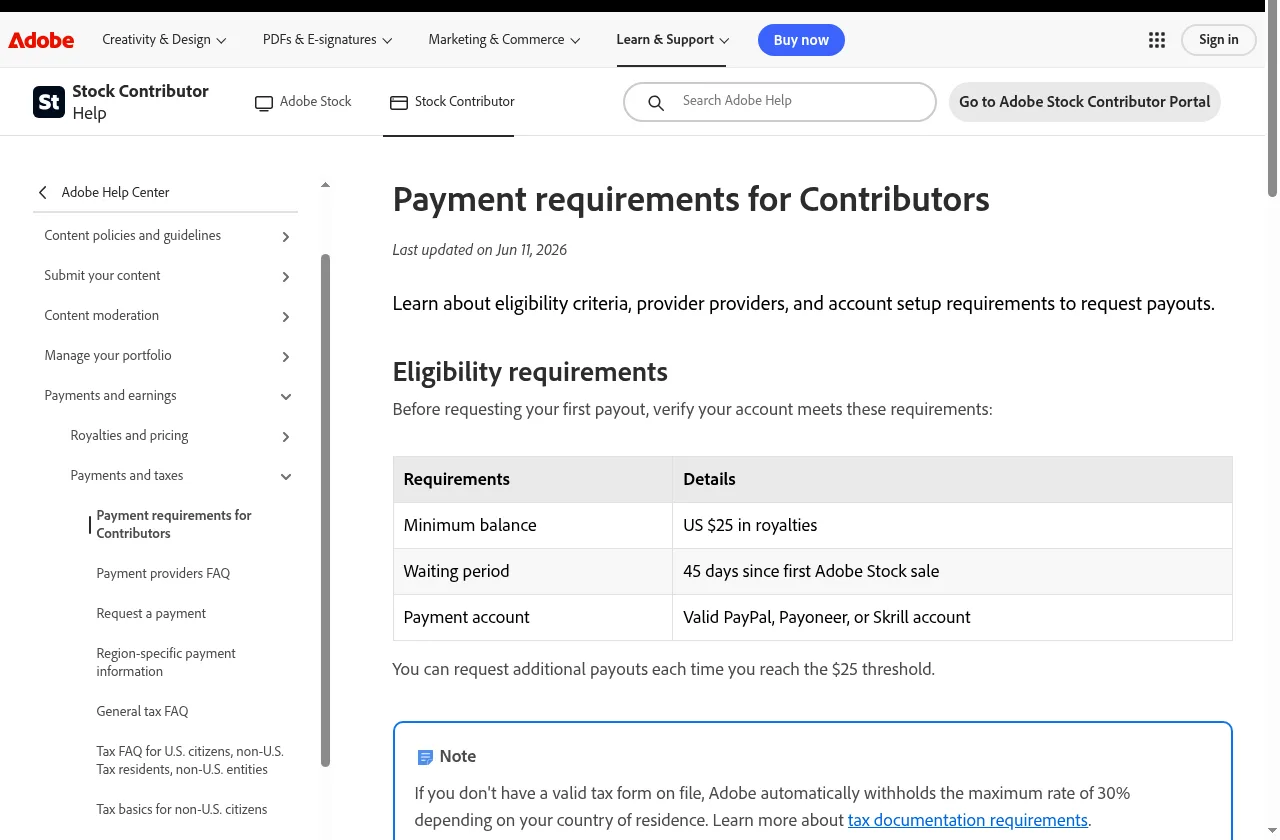
| Payout minimum | US $25 | US $25 (you can set $25–$2,000) |
| First payout | 45 days after first sale | 90-day wait for some countries |
| Payment methods | PayPal, Payoneer, Skrill (required provider applies in South Korea*) | Payoneer, PayPal, Skrill |
| Age | Not verified | 18+ |
| Tax form | Without one, up to 30% withheld | Approved tax form required to be paid |
*Adobe’s help page says, for Payoneer: “A required payment provider applies in Indonesia, South Africa, South Korea, and Turkey.” Re-check what this means before signing up.
Step 1. Read the official terms
Step 2. Sign up (requires an account)
📝 Logged-in screen (text description)
On each site’s Contributor page you create an account and enter your name, address, tax details and payout account. Shutterstock says the “Make payments to” name must be your full legal name as on your tax form. We did not perform this step.
Step 3. Shooting basics with a phone
- Steady hands, good light.
- Keep logos, trademarks and signs out of the frame (Adobe asks contributors to avoid copyrighted logos and trademarked products).
- Don’t upload many near-duplicates.
- Check each site’s submission guide for resolution and other technical specs (not verified here).
Step 4. Model and property release basics
Model release = a signed consent from a person in the photo for commercial use.
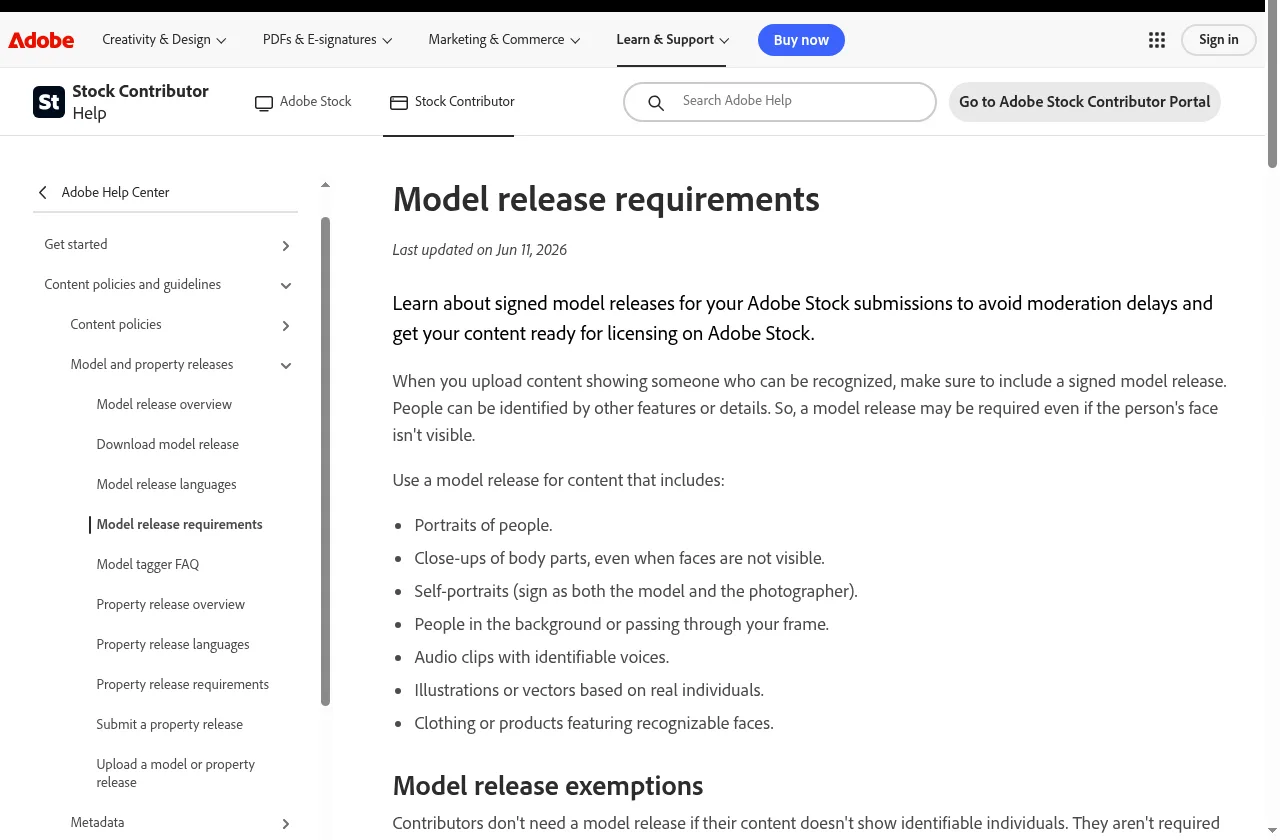
- Needed when a person can be recognized, even without a visible face (tattoos, clothing, surroundings).
- Includes people in the background, self-portraits, close-ups of body parts.
- One release per person; group or stitched releases are not accepted.
- Under 18: a parent or legal guardian must sign.
- Not needed: unidentifiable crowds, back views with no recognizable features, objects or scenes without people.
Property release = consent from the owner of a building, artwork, pet, etc.
– Often needed: landmarks and distinctive buildings, artworks and murals, private interiors, distinctive product shapes, places with photo policies (amusement parks, museums).
– Usually not needed: generic houses or interiors, ordinary street scenes, broad cityscapes.
Common mistakes / rejection reasons
- Recognizable people without a model release
- Prominent logos, trademarks or signs
- Photos from places with photography restrictions
- Blurry or dark shots
- No tax form → payment blocked or heavy withholding
- Sharing a payout account with another contributor (prohibited by Shutterstock’s terms)
Korean platforms
At the time of writing, we found no Korean stock-photo platform with official commission and payout terms on a public page. We will update when we can verify one.
Checklist
- ☐ Re-read royalty and payout terms on the official pages
- ☐ 18 or older (Shutterstock)
- ☐ Payout account ready (PayPal / Payoneer / Skrill)
- ☐ Ready to submit a tax form
- ☐ Model release for any recognizable person
- ☐ No prominent logos, trademarks or artworks
Want to explore other side projects at your own pace? → kzk Premium
FAQ
Is How to Make Money Selling Stock Photos from Your Smartphone a legit way to make money?
Yes, it is legal and used worldwide. Written on 2026-10-26 after checking the official Adobe Stock and Shutterstock contributor help pages. Earnings vary widely, nothing is fixed, and nothing here promises income. Terms can change, so re-check the official help pages before signing up. Results depend on your time, skills and consistency; never pay upfront fees to unknown "opportunities".
What are the main pros and cons of How to Make Money Selling Stock Photos from Your Smartphone?
Pros: People with lots of phone photos, People looking for a slow, steady side project, People comfortable reading English help pages. Cons: Steady hands, good light., Keep logos, trademarks and signs out of the frame (Adobe asks contributors to avoid copyrighted logos and trademarked products)., Don't upload many near-duplicates., Check each site's submission guide for resolution and other technical specs (not verified here)..
How do I start How to Make Money Selling Stock Photos from Your Smartphone step by step?
The full step-by-step guide is free to read on this page.
🎁 Free: 7-day side-hustle starter checklist
Leave your email and get the free checklist now. No spam, unsubscribe anytime.
Popular guides
- Top 10 Ways to Make Money Starting This Week (Free Checklist)
- How to Make Money as a Student: Legit Ideas (2026)
- Passive Income Ideas: Realistic Options for 2026
- Make Money Online Without Investment: 20 Free Ways
- How to Make Money with AI: 50 Practical Ways (2026)
- How to Make Money From Home: 20 Legit Ways
- Make Money Online for Beginners: 15 Easy Ways to Start
- How to Make Money as a Mom: 16 Flexible Ideas (Work Around Nap Time)
- 16 Legit Ways to Make Money Fast (This Week)
- How to Make Money as a Teenager: 16 Safe Ideas
- 14 Remote Jobs With No Experience Needed
Next method: How to Price Used Items: Checking Market Prices on Danggeun and Bunjang →